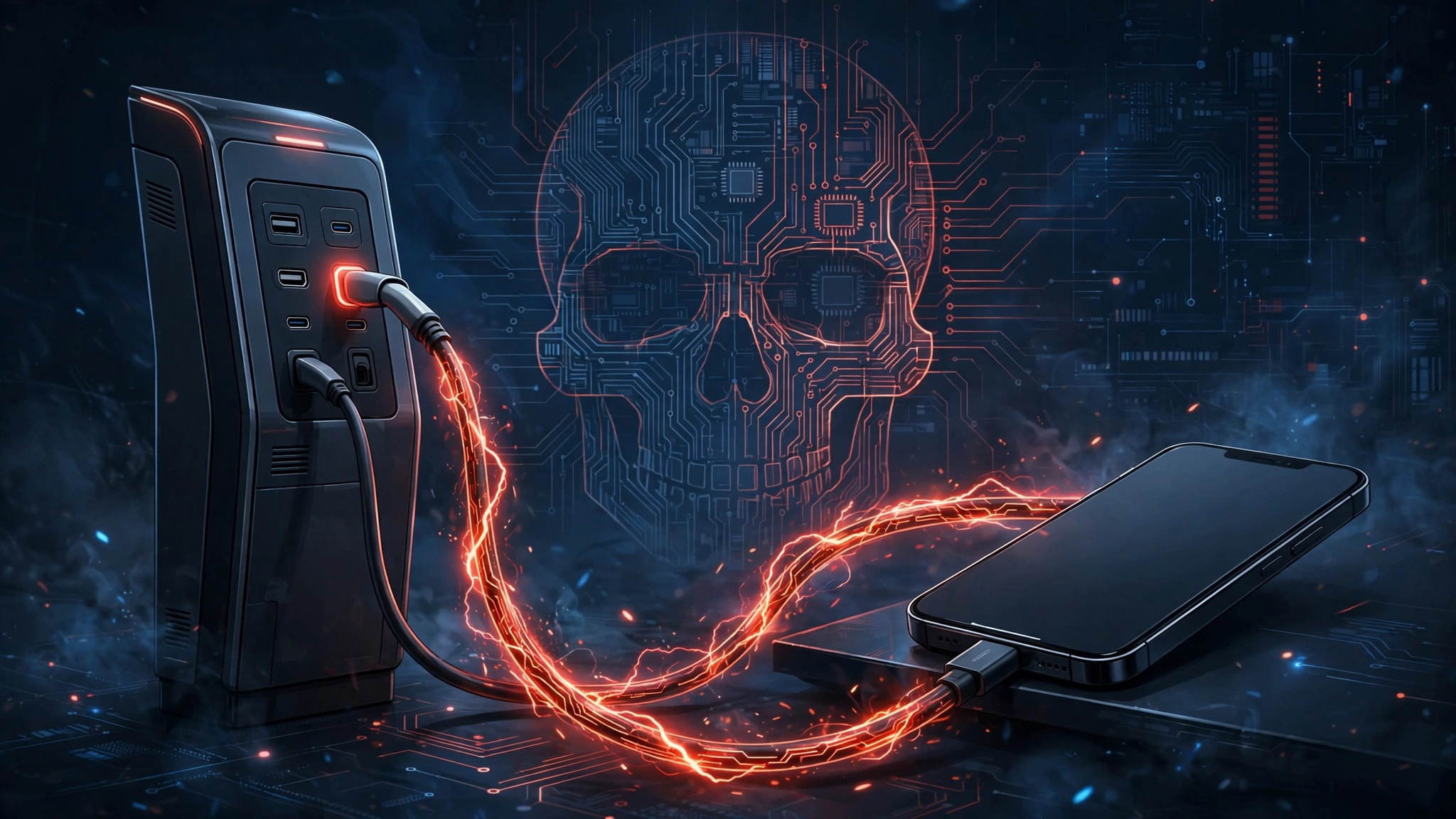
Your phone is at 4 percent at the airport gate, and a row of free public USB ports is right there. You plug in and relax. The problem is that a USB port is not just a power socket. It is a connection to another device, and if that device has been tampered with, plugging in can expose your phone to far more than a slow charge.
This attack is called juice jacking. It is rare, and modern phones have made it harder than it used to be. But the protection costs almost nothing.
Why a USB Cable Is More Than a Power Cord
A standard USB cable carries both power and data. Inside it are separate wires: some deliver electricity to the battery, and others carry data between the two connected devices. That is why you can plug a phone into a laptop and transfer photos or back up files.
It is also why a public charging port deserves suspicion. With your own charger in a wall socket, only power flows. With a USB cable in a public station, your phone is effectively shaking hands with a computer you have never met. This applies to USB-C as much as to older USB types.
How a Juice Jacking Attack Actually Works
There are two main setups, and both rely on you trusting hardware you did not bring yourself.
A tampered charging station. An attacker modifies a public kiosk or replaces its internals so the port connects to a hidden computer instead of just a power supply. From the outside, the station looks normal: the branding, the screen, and the cables may all look exactly as expected.
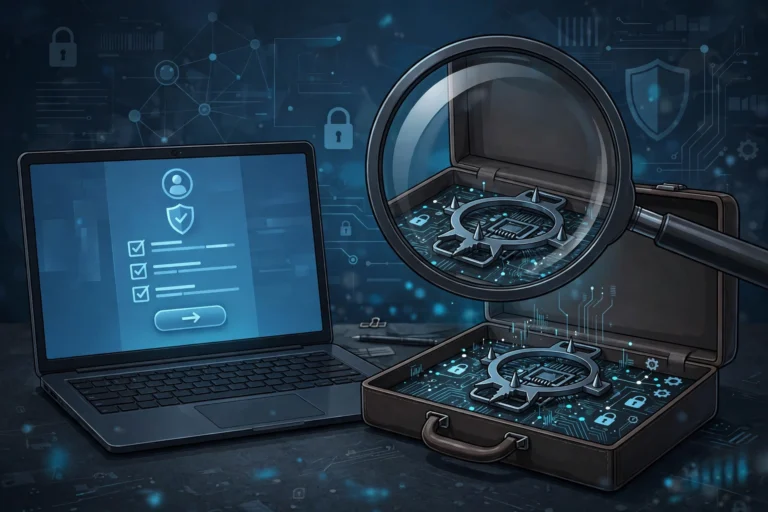
A doctored cable. An attacker leaves behind a cable that looks ordinary but contains a tiny hidden chip. Some of these cables can act like a keyboard once connected, typing commands into the phone at high speed. Others can open a wireless connection the attacker controls. A stray cable found at a station is therefore riskier than a suspect port, because the cable travels with you and works wherever you plug it in next.
What the attacker can then do depends heavily on your phone’s state. On a locked, up-to-date phone, the system should block data access and ask permission before any transfer. The danger grows when the phone is unlocked, when the user taps “trust” out of habit, or when USB debugging has been left on.
What Can Really Happen, and What Is Overstated
Here is a realistic picture.
- Data access is the core risk. If a phone grants data access to a hostile host, photos, documents, contacts, and messages could be copied. This is most plausible on older phones, unlocked phones, or phones where the user approved the connection.
- Malware installation is possible but harder on modern phones. Current iPhones and Android phones ask before allowing data transfer and restrict USB access while locked. Silently installing full malware through a charge port alone is much harder than it was a decade ago, but not impossible if the user approves a prompt or the phone is out of date.
- Keystroke injection is a real technique. A doctored cable acting as a keyboard can type commands faster than a human. That is one reason “never use a found cable” matters more than most people think.
- Direct password theft by plugging in alone is unlikely. A locked, updated phone that you never approve for data transfer does not simply hand over your banking password because it was plugged into a port. The risk is a chain of small failures: an unlocked phone, an approved prompt, an outdated system, or a malicious cable.
Security agencies have warned travelers about juice jacking even though confirmed attacks in the wild are uncommon: the probability is low, the impact is high, and the fix is nearly free.
Your Phone’s Built-In Defenses: Use Them Properly
On an iPhone: when you connect to an unknown USB device, the phone asks whether to trust it. On a public charger, the answer is always no. Keep the phone locked while charging, since iPhones restrict USB data access after the phone has been locked for a period, and leave USB accessories blocked while locked in Face ID and Passcode settings.
On an Android phone: when you plug in, a USB notification appears. Open it and confirm the connection is set to charging only, not file transfer. Never switch it to file transfer on a public port, and make sure USB debugging in Developer Options is switched off.
On either platform, read the prompt before you tap. Attackers count on travelers tapping “allow” without reading.
The Safe Charging Ladder: Best to Worst
- Your own charger in a wall socket. The safest option. A wall socket delivers power only, with no data channel at all.
- Your own power bank. Charge the power bank from any source, then charge your phone from the power bank. The bank sits between your phone and the unknown port and cannot pass data through. For frequent travelers, this is the most practical daily solution.
- Your own laptop. You control both ends of the cable, unless the laptop itself is compromised.
- A USB data blocker with your own cable. A data blocker, sometimes called a charge-only adapter, is a small dongle that physically disconnects the data wires and passes only power. Keep one on your keychain. It only works if you also use your own cable: a blocker cannot fix a doctored cable plugged into the wrong side of it.
- A public USB port, as a last resort. Keep the phone locked, select charge only, approve nothing, and unplug as soon as you can reach a safer option.
Choosing a USB Data Blocker
Data blockers are cheap, but a counterfeit one that passes data through defeats the entire point, so buy from a reputable seller, not a random marketplace listing. Test it at home: plug your phone into your own computer through the blocker. The phone should charge, and no file-transfer prompt should appear. Keep it on your keychain so it is actually with you at the airport.
What About Wireless Charging Pads?
Public wireless pads transfer power through induction – a magnetic field, not a cable – with no data channel. From a juice jacking perspective they are safe: no data can travel over a connection that does not exist. Avoid pads that look cracked or damaged, since a tampered pad could overheat a device.
If You Already Plugged In: A Recovery Checklist
- Unplug immediately. Do not tap any further prompts first. Just disconnect.
- Check for new apps you do not recognize, especially ones installed around the time you charged, and uninstall anything unfamiliar.
- Review permissions. On Android, check Device Admin Apps under Security; on iPhone, check for unfamiliar profiles under General, then VPN and Device Management. Revoke anything suspicious.
- Watch for symptoms: a battery draining fast while idle, the phone running hot for no reason, unexplained mobile data spikes, or strange pop-ups after charging.
- Run a reputable mobile security scan from a well-known app in the official app store, not one advertised in a pop-up.
- Change important passwords from a different, clean device, starting with email, then banking and social accounts, enabling two-factor authentication where it is not already on.
- Factory reset as a last resort if symptoms persist: back up your files, then reset the phone.
Frequently Asked Questions
Does juice jacking work if my phone is locked? A locked, up-to-date phone is much harder to attack, because USB data access is restricted while locked. Keep it locked while charging and never unlock it just to approve a prompt from an unknown device.
Does using my own cable make a public port safe? Safer, but not fully safe. Your own cable rules out the doctored-cable attack, but a tampered port can still try to open a data connection. Pair your own cable with a data blocker, or better, a wall socket.
Should I stop using public chargers entirely? No. Carry your own charger, a power bank, and a data blocker, and public charging becomes a solved problem rather than something to fear.
The Bottom Line
Juice jacking is a low-probability, high-impact risk with a nearly free fix. The safest routine is also the simplest: wall socket first, power bank second, your own laptop third, and a data blocker with your own cable if you must use a public port. Keep your phone locked, read every USB prompt before tapping, switch USB debugging off, and never use a cable you found lying around. Thirty seconds of preparation at home means you never have to wonder what that airport charging station was really doing to your phone.
About the Author